
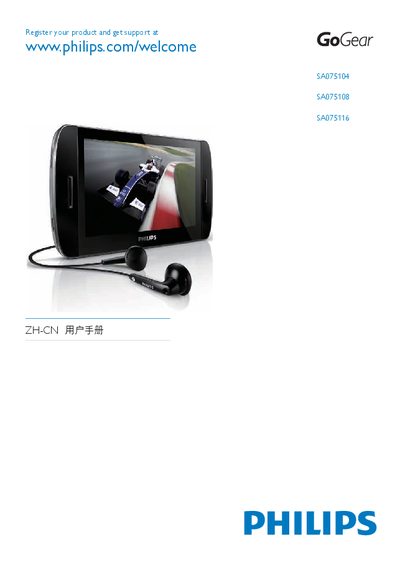
SA075 User Manual, introduces the features and characteristics of the product, including music, video, pictures, radio, recording, file management, settings, updates, troubleshooting
The guide begins with product registration information, directing users to www.philips.com/welcome to register their GoGear device and obtain support. It then walks through the initial setup steps, including inserting a Micro SD card (up to 16 GB) and connecting the player to a computer via USB.
Installation of Philips Device Manager is covered in detail, with instructions for Windows XP, Vista, and later versions. The guide also explains how to use the Device Manager to transfer media, update firmware, and manage device settings, as well as basic troubleshooting tips for common connection issues.