
Key facts
- Brand
- Philips
- Model
- SA065108
- Documents
- 2
- Languages
- ZH · EN
- Last added
- 2000-01-01
Start here
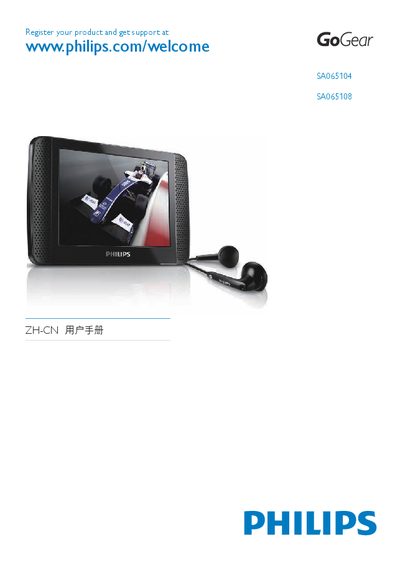
Philips SA065104 / SA065108 Quick Start Guide
This guide explains how to register your Philips GoGear media player at www.philips.com/welcome and obtain support. It also provides basic information on the device’s hardware, such as USB ports and supported operating temperatures.
The manual walks you through installing Philips Device Manager on Windows (2000, XP, Vista), connecting the player via USB, and using the software to transfer media. System requirements, memory specifications, and troubleshooting tips are included.
Philips SA065108 specifications
| Battery capacity | 1250 mAh Li‑polymer |
|---|---|
| Music playback time | 30 hours |
| Output power (RMS) | 2 × 2.4 mW |
| Frequency response | 55 Hz – 15 kHz |
| Signal‑to‑noise ratio | > 80 dB |
| Supported audio formats | MP3, WMA, FLAC, APE |
| Supported video formats | MPEG‑4, Real Media Video, WMV9 |
| Supported image formats | JPEG, BMP |
| Internal storage options | 2 GB, 4 GB or 8 GB NAND flash |
| Display | Color LCD, 320 × 240 pixels, 262K colors |
All Philips SA065108 documents by type
Day-to-day operation, settings and troubleshooting. Start here if the product is already set up.
The shortest path to a working setup, usually only a few pages.
Questions answered in these manuals
How do I safely disconnect the SA065 from my computer?
First close all applications that use the SA065, then click the safe‑removal icon in the Windows task bar, wait for the confirmation message, and finally unplug the USB cable.
How long can the SA065 play music on a full charge?
The device can play music for up to 30 hours on a fully charged battery.
How do I register my Philips GoGear device?
Visit www.philips.com/welcome and follow the registration instructions.
How do I install Philips Device Manager?
Download the software from the Philips website and run the installer as described in the guide.