
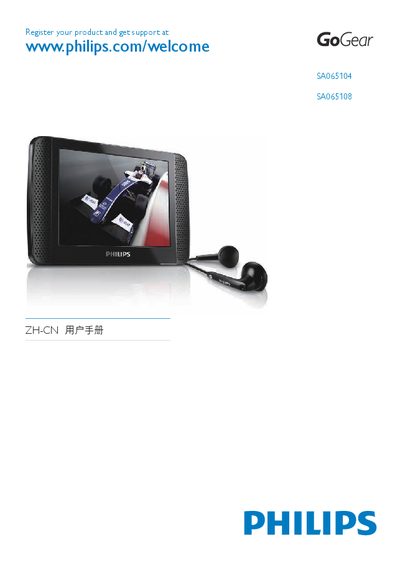
This guide explains how to register your Philips GoGear media player at www.philips.com/welcome and obtain support. It also provides basic information on the device’s hardware, such as USB ports and supported operating temperatures.
The manual walks you through installing Philips Device Manager on Windows (2000, XP, Vista), connecting the player via USB, and using the software to transfer media. System requirements, memory specifications, and troubleshooting tips are included.
| Operating temperature | 20 °C to 45 °C |
|---|---|
| Memory | 128 MB |
| Supported operating systems | Windows 2000, Windows XP, Windows Vista |
Visit www.philips.com/welcome and follow the registration instructions.
Download the software from the Philips website and run the installer as described in the guide.