
This document is a user manual for the Philips SA065 product, which provides information on important safety information, routine maintenance, getting started, music, video, pictures, radio, recording, viewing folders and text files, settings, and troubleshooting.
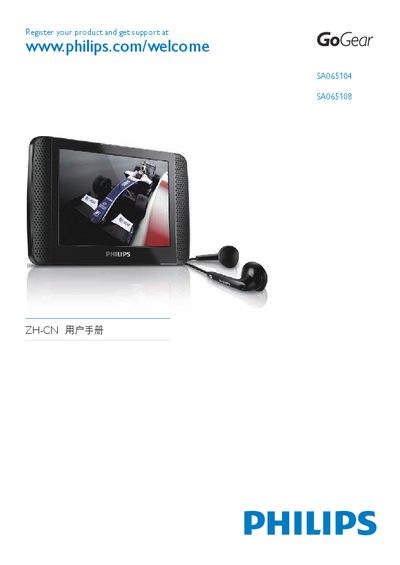
This manual provides comprehensive instructions for the Philips SA065 GoGear audio player, covering safety precautions, product overview, and how to connect and charge the device. It guides users through initial setup, navigating the touch‑screen menu, and using the included USB cable and Philips Device Manager software.
The guide also details media functions such as music, video, and image playback, FM radio listening and recording, file management, CMMB TV access, firmware updates, troubleshooting, and technical data including battery life, supported file formats and storage options. This manual is written in Chinese.
| Battery capacity | 1250 mAh Li‑polymer |
|---|---|
| Music playback time | 30 hours |
| Output power (RMS) | 2 × 2.4 mW |
| Frequency response | 55 Hz – 15 kHz |
| Signal‑to‑noise ratio | > 80 dB |
| Supported audio formats | MP3, WMA, FLAC, APE |
| Supported video formats | MPEG‑4, Real Media Video, WMV9 |
| Supported image formats | JPEG, BMP |
| Internal storage options | 2 GB, 4 GB or 8 GB NAND flash |
| Display | Color LCD, 320 × 240 pixels, 262K colors |
First close all applications that use the SA065, then click the safe‑removal icon in the Windows task bar, wait for the confirmation message, and finally unplug the USB cable.
The device can play music for up to 30 hours on a fully charged battery.