
Key facts
- Brand
- Philips
- Model
- PET742
- Category
- Player
- Industry
- Appliances
- Documents
- 2
- Languages
- ZH
- Last added
- 2011-09-30
Start here
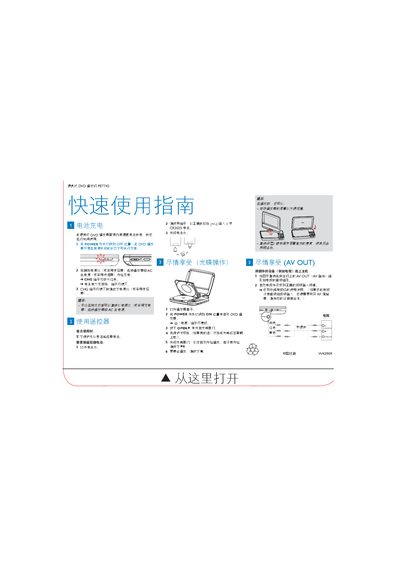
Philips PET742 Portable DVD Player Quick Start Guide
This guide provides essential instructions for using the Philips PET742 portable DVD player. It explains how to charge the built‑in Ni‑MH battery, operate the remote control, load discs, and connect the device to a TV via the AV OUT jack.
Step‑by‑step procedures include switching the POWER on, opening the disc tray, inserting a disc label‑side up, adjusting screen brightness, and using the remote battery (CR2025). The guide also notes optional accessories such as an RF modulator for TVs without AV inputs. This manual is written in Chinese.
Philips PET742 specifications
| Battery type | Built‑in Ni‑MH rechargeable battery |
|---|---|
| Remote battery | CR2025 |
| Power switch | ON/OFF toggle |
Source: Philips PET742 Portable DVD Player Quick Start Guide
All Philips PET742 documents by type
Day-to-day operation, settings and troubleshooting. Start here if the product is already set up.
The shortest path to a working setup, usually only a few pages.
Questions answered in these manuals
What should I check if the device does not turn on?
Make sure both power plug pins are correctly connected, the AC outlet is supplying power, and the built‑in battery is not depleted.
How can I clean a disc that won't play?
Use a dry, lint‑free cloth and wipe the disc from the center outward.