
This document describes the usage and features of a portable DVD player, including built-in rechargeable battery, charging method, remote control usage, and connecting to other devices.
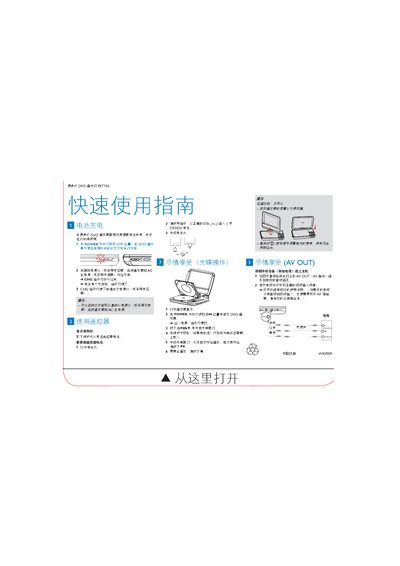
The PET742 portable DVD player has a built-in nickel-metal hydride battery for use while traveling. The guide explains how to charge the battery using the included power cord or car adapter, with the CHG indicator turning red during charging and off when complete.
It also describes inserting and playing discs, turning the player on and off, adjusting the screen backlight, and connecting the AV OUT jack to a television or other device. This manual is written in Chinese.
| Built-in battery | Nickel-metal hydride battery |
|---|---|
| Remote control battery | CR2025 |
Connect the power cord or car adapter to the player and AC power; the CHG indicator turns red and goes off when charging is complete.
Press OPEN to open the disc tray, place the disc with the label side facing up, and close the tray to start playback.
Connect the AV OUT jack on the player to the TV's audio and video jacks, then set the TV to the correct video input channel.