
Key facts
- Brand
- Philips
- Model
- HTS3560
- Documents
- 3
- Languages
- EN · ZH
- Last added
- 2011-09-20
Start here
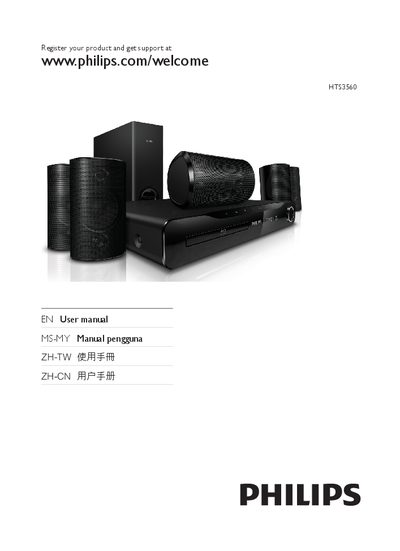
Philips HTS3560 Home Theater User Manual
This manual covers the Philips HTS3560 home theater system, describing the main unit, remote control functions, and how to connect the system to a TV, speakers, and the internet. Detailed wiring diagrams for HDMI, composite video, audio, LAN, and power connections are included.
It also explains how to set up the network, update the software via USB or the internet, and lists the supported media and file formats. Product specifications such as output power, frequency response, and signal‑to‑noise ratio are provided, followed by a troubleshooting guide for common issues.
Philips HTS3560 specifications
| Total output power | 1000 W RMS |
|---|---|
| Frequency response | 20 Hz‑20 kHz |
| Signal‑to‑noise ratio | > 65 dB |
| Input sensitivity (AUX) | 500 mV |
All Philips HTS3560 documents by type
Day-to-day operation, settings and troubleshooting. Start here if the product is already set up.
Questions answered in these manuals
How do I update the software?
You can update the software from a USB drive by copying the update files to a folder named “UPG” on the drive, inserting it, and selecting Setup → Advanced → Software Update → USB.
What audio and video file formats are supported?
Audio files in .mp3 and .wma are supported, and video files in .avi, .divx, .mkv, and .wmv can be played from USB storage.
How do I register my Philips HTS3560?
Visit www.philips.com/welcome to register the product and get support.
Which languages are supported by the manual?
The manual includes English, Spanish (Castellano, Español), Chinese (Traditional and Simplified), and many other languages listed in the language code section.