
Key facts
- Brand
- Philips
- Model
- HTS3571
- Documents
- 3
- Languages
- EN · ZH
- Last added
- 2000-01-01
Start here
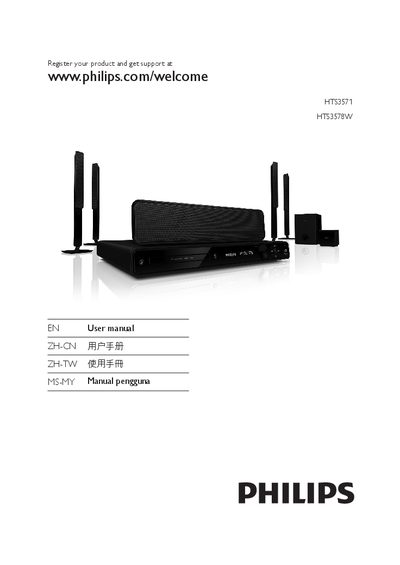
Philips HTS3571 HTS3578W Home Theater System User Manual
This manual guides you through registering your Philips Home Theater System, connecting audio and video components, and using the remote control. It includes safety notices, product overview, and detailed instructions for features such as HDMI EasyLink, karaoke scoring, and MP3 creation.
Additional sections cover advanced features, specifications, troubleshooting tips, and a glossary of terms. The document also lists language codes for menu selection and provides regulatory information.
Philips HTS3571 specifications
| Video resolution | 1080p upscaling |
|---|---|
| Audio channels | 5.1 channels of uncompressed audio |
| USB interface | High speed USB 2.0 link |
| HDMI EasyLink | Supports HDMI CEC control of compatible devices |
Source: Philips HTS3571 HTS3578W Home Theater System User Manual
All Philips HTS3571 documents by type
Day-to-day operation, settings and troubleshooting. Start here if the product is already set up.
Questions answered in these manuals
How can I register my Philips home theater system for support?
Visit www.philips.com/welcome and register your product to receive full support.
From: Philips HTS3571/HTS3578W Home Theater System User Manual
What clearance should be left around the home theater unit?
Leave at least 4 inches of space around the unit for proper ventilation.
From: Philips HTS3571/HTS3578W Home Theater System User Manual
How can I synchronize audio with video if the picture is ahead of the sound?
Use the audio delay function to add a delay to the audio output, which synchronizes the audio with the video.
From: Philips HTS3571/HTS3578W Home Theater System User Manual
Can I change the menu display language?
Yes, the manual includes a step to select the menu display language during setup.
From: Philips HTS3571/HTS3578W Home Theater System User Manual