
This is a user manual that introduces how to use the Philips HTS3560 home theater system
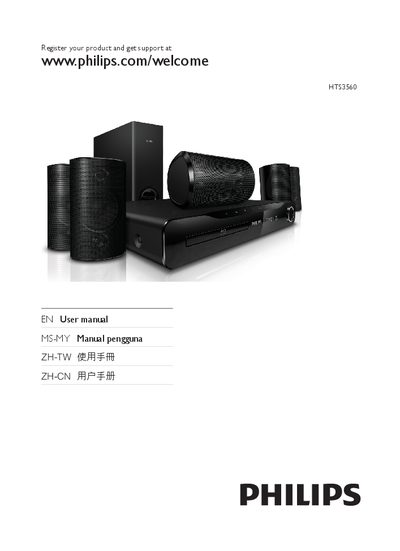
This manual provides step-by-step instructions for setting up and using the Philips HTS3560 home theater system. It covers connecting devices, playing discs and USB media, configuring audio and video settings, using network features, and updating software. Safety precautions and product care are also detailed.
The manual includes sections on remote control functions, connecting to TVs via HDMI or composite video, using Blu-ray features like Bonus View and BD-Live, playing MP3 content, and troubleshooting common issues.
| Software Update | Via USB or network |
|---|
Connect using HDMI (best quality) or composite video. For HDMI, use a direct cable. If TV supports EasyLink, control both devices with one remote.
Yes, update via USB or network. Check current software version before updating.