
Key facts
- Brand
- Philips
- Model
- HTS3530
- Industry
- Appliances
- Documents
- 4
- Languages
- EN · ZH-CN · ZH
- Last added
- 2012-03-26
Start here
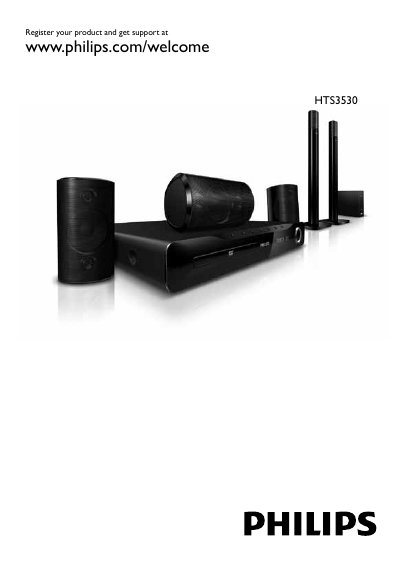
Philips HTS3530 Home Theater User Manual
This manual provides step-by-step instructions for setting up and using the Philips HTS3530 home theater system. It covers connecting to TVs and other devices, adjusting audio and video settings, updating software via CD-R or USB, and handling safety precautions. The guide also includes information on product maintenance, disposal of old products and batteries, and troubleshooting.
The manual is written in Chinese (simplified) with English technical terms and includes sections on remote control functions, source selection, playback of discs and USB content, radio tuning, and creating MP3 files.
Philips HTS3530 specifications
| Supported Video Formats | HDMI, DVI |
|---|---|
| Supported Audio Formats | Dolby Digital, DTS |
| Remote Control Codes | 525, 625 |
All Philips HTS3530 documents by type
Day-to-day operation, settings and troubleshooting. Start here if the product is already set up.
Questions answered in these manuals
What options are listed under General Setup?
The menu lists Disc Lock, Display Dim, OSD Language, Screen Saver, Sleep Timer, and DivX VOD Code.
Which speaker and subwoofer connections are identified?
The diagram labels front right, front left, front center, rear right, rear left, and subwoofer connections.
What ventilation space is required around the product?
You must leave at least 4 inches of space around the product for ventilation.
What is the minimum temperature required before connecting the product to power?
If the product was transported below 5° C, wait until it reaches room temperature before connecting it.
Where can I register my product?
You can register your product and get support at www.philips.com/welcome.
What video formats does the HTS3530 support?
The system supports HDMI and DVI video outputs.