
This is a user manual for 273P3 Brilliance monitor, which introduces the basic functions and usage methods of the monitor, including safety precautions, installation, operation, image optimization, Power Sensor™, technical specifications, power management, regulatory information, customer service and warranty.
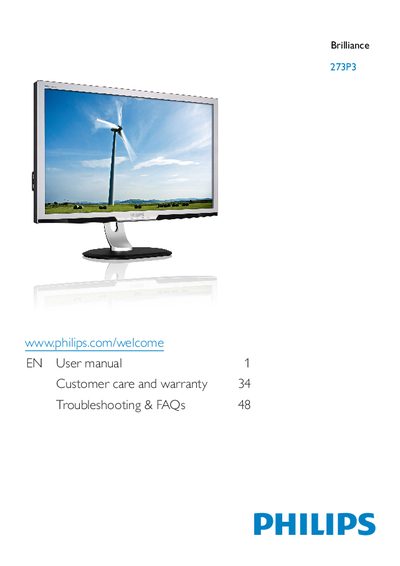
This user manual explains how to safely install, operate, and maintain the Philips 273P3 Brilliance monitor. It covers safety precautions, proper handling, connection procedures, and recommended environmental conditions.
The guide also details image‑optimization functions such as SmartImage, SmartContrast, and Power Sensor, lists full technical specifications, and provides troubleshooting FAQs and warranty information.
| Panel type | TFT‑LCD |
|---|---|
| Backlight | CCFL |
| Panel size | 27" (68.6 cm) |
| Aspect ratio | 16:9 |
| Pixel pitch | 0.31 mm × 0.31 mm |
| Brightness | 395 cd/m² |
| Contrast ratio (typ.) | 1000:1 |
| Response time (typ.) | 2 ms |
| Viewing angle | 170° (H) / 160° (V) |
| Refresh rate | 56 Hz – 76 Hz |
| Power consumption (typical) | 43.5 W |
Set the resolution to 1920 × 1080 @ 60 Hz, adjust the refresh rate to 60 Hz, and restart the computer.
The recommended refresh rate is 60 Hz, though you may increase it up to 75 Hz to reduce screen disturbances.
Use a clean, soft cloth; for extensive cleaning you may use isopropyl alcohol, but avoid solvents such as acetone or ethyl alcohol.