
Philips 273P3Q Brilliance monitor user manual, introduces information on the installation, use, and maintenance of the monitor.
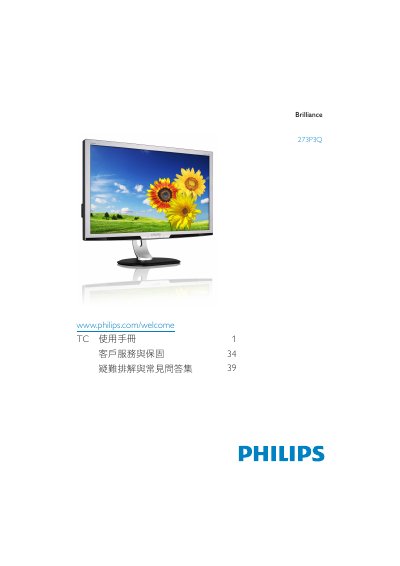
This manual explains how to safely install and use the Philips 273P3Q Brilliance monitor. It covers safety precautions, proper handling, and environmental limits such as operating temperature and humidity.\n\nThe guide also describes the on‑screen display (OSD) menu, SmartImage picture modes, color‑temperature presets, and all available connections (DisplayPort, DVI, VGA, USB upstream/downstream, audio). Troubleshooting tips, FAQ, recycling information, and warranty details are included to help users maintain optimal performance. This manual is written in Chinese.
| Operating Temperature | 0‑40 °C (32‑95 °F) |
|---|---|
| Relative Humidity | 20‑80 % RH |
| Native Resolution | 1920 × 1080 @ 60 Hz |
| Video Inputs | DisplayPort, DVI, VGA, USB upstream/downstream, audio |
Yes. All Philips monitors are compatible with standard PCs, Macs and workstations; a Mac may require an adapter.
Yes, the monitor works with the plug‑and‑play functionality of Windows 7, Vista, XP, NT, macOS and Linux.