
Key facts
- Brand
- Philips
- Model
- 225B1
- Documents
- 3
- Languages
- ZH · EN
- Last added
- 2011-09-22
Start here
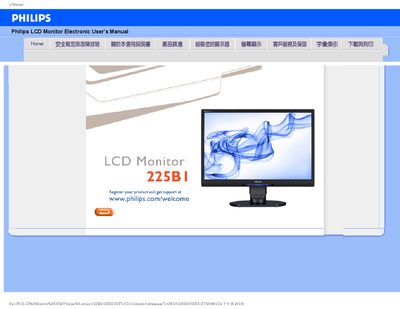
Philips 225B1 LCD Monitor User Manual
User Manual 120 pages · 2.6 MB · ZH
This manual covers safety precautions, proper handling, and troubleshooting for the Philips 225B1 LCD monitor. It includes detailed instructions for installation, registration, and maintenance, as well as FAQs addressing common issues.
Additional sections provide information on USB functionality, VESA mounting, and how to download and print the driver software. The document is organized with clear headings for quick reference. This manual is written in Chinese.
Philips 225B1 specifications
| Relative Humidity | 20‑80 % RH |
|---|---|
| Resolution | 1680 × 1050 @ 60 Hz |
| VESA Mounting | Standard VESA mounting holes |
All Philips 225B1 documents by type
User Manual 3
Day-to-day operation, settings and troubleshooting. Start here if the product is already set up.
Questions answered in these manuals
What resolution should I set for the Philips 22" LCD monitor?
Set the resolution to 1680 × 1050 at 60 Hz for optimal display quality.
Can the Philips 225P1/225B1 monitor be wall‑mounted?
Yes, the monitor can be mounted using the standard VESA mounting holes on the rear cover.