
This document is about Philips 225B1 LCD monitor safety instructions, including operation and maintenance precautions, and troubleshooting methods.
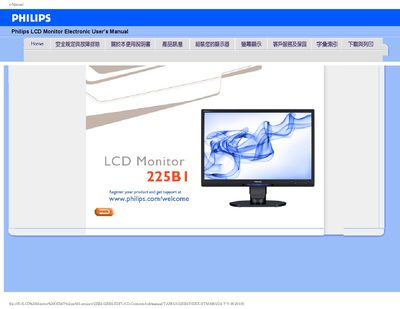
This user manual covers the Philips 225B1 LCD Monitor, including safety precautions, installation, and troubleshooting information. It explains how to connect and use the display, adjust screen settings, and resolve common issues.
The manual includes frequently asked questions about video modes, resolution, color settings, wall mounting, and compatibility with PCs and Macs. It also covers LCD screen technology, ergonomics, energy standards, and regulatory information. This manual is written in Chinese.
| Recommended video mode | 1680 x 1050@60Hz |
|---|---|
| Operating humidity | 20-80% RH |
| Wall mounting | Four standard VESA wall mount holes |
| Plug and play operating systems | Windows 95, 98, 2000, XP and Vista |
The recommended video mode is 1680 x 1050@60Hz.
Yes, all Philips LCD monitors are fully compatible with any personal computer, Macintosh, or computer workstation.
Yes, they are compatible with the plug and play function of Windows 95, 98, 2000, XP and Vista.
Yes, it can be mounted using the four standard VESA wall mount holes on the back cover.