
This document introduces safety measures and maintenance methods for Philips LCD monitors, including operation, maintenance and cleaning.
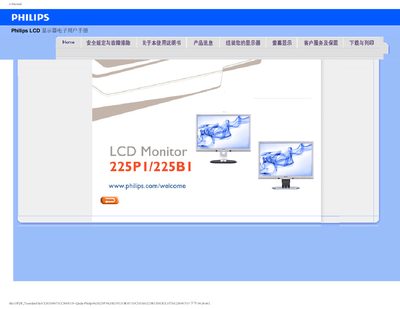
This manual covers safety measures, proper handling, and environmental requirements for the Philips 225P1/225B1 22‑inch LCD monitor. It explains how to connect the display, adjust resolution and color settings, and clean the screen safely.
Additional sections address common troubleshooting issues, such as no picture, image retention, and power‑LED problems, as well as compatibility with PCs, Macs, and VESA wall‑mounting options.
| Recommended resolution | 1680 x 1050 @60 Hz |
|---|---|
| Maximum refresh rate | 75 Hz (for interference checking) |
| Operating temperature range | 0‑40 °C |
| VESA mounting | Standard VESA mounting holes on rear cover |
Set the resolution to 1680 × 1050 at 60 Hz for optimal display quality.
Yes, the monitor can be mounted using the standard VESA mounting holes on the rear cover.