
Key facts
- Brand
- Philips
- Model
- 225P2
- Industry
- Appliances
- Documents
- 2
- Languages
- EN · ZH
- Last added
- 2012-01-13
Start here
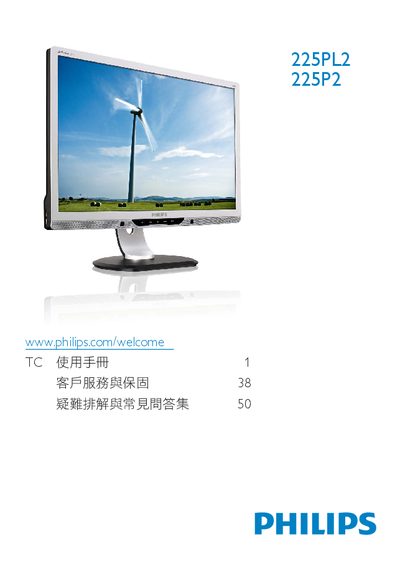
Philips 225P2/225PL2 Monitor Quick Start Guide
This guide provides step‑by‑step instructions for setting up the Philips 225P2/225PL2 monitor, including connecting video cables (VGA, DVI, HDMI), adjusting ergonomic settings, and navigating the on‑screen display (OSD) menu. It also lists the monitor’s key specifications such as resolution, power consumption and VESA mounting dimensions.
Additional sections cover product registration, recycling information, and compliance with energy‑saving standards. The document is intended for end‑users who need a concise reference to get the monitor up and running quickly. This manual is written in Chinese.
Philips 225P2 specifications
| Native Resolution | 1680 × 1050 @ 60 Hz |
|---|---|
| Typical Power Consumption (Normal Operation) | 22.5 W (typ.) |
| Color Temperature Settings | 5000 K, 6500 K, 7500 K, 8200 K, 9300 K, 11500 K |
All Philips 225P2 documents by type
Day-to-day operation, settings and troubleshooting. Start here if the product is already set up.
The shortest path to a working setup, usually only a few pages.
Questions answered in these manuals
What is the native resolution of the Philips 225P2/225PL2 monitor?
The monitor’s native resolution is 1680 × 1050 at 60 Hz.
How much power does the monitor use in normal operation?
In normal operation the monitor typically consumes 22.5 W.
How can I register my Philips 225P2/225PL2 monitor?
You can register the product at www.philips.com/welcome225P2/225PL2 to obtain support.
What is the normal‑operation power consumption of the monitor?
The monitor consumes about 22.5 W in normal operation.