
Key facts
- Brand
- Philips
- Model
- 220WS8
- Documents
- 2
- Languages
- EN
- Last added
- 2011-10-29
Start here
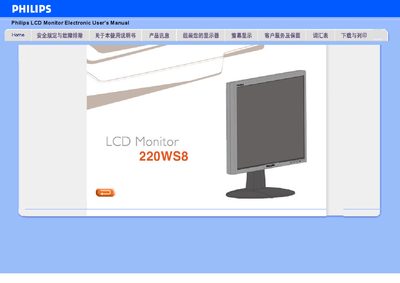
Philips 220WS8 LCD Monitor User Manual
User Manual 85 pages · 3.4 MB · EN
This manual explains how to install and use the Philips 220WS8 LCD monitor. It describes the SmartImage Lite technology, power‑saving features, and compliance with RoHS standards, helping users achieve optimal image quality and energy efficiency.
The guide also lists the technical specifications, including the WSXGA 1680 × 1050 resolution, 5 ms response time, dual VGA and DVI‑D inputs with HDCP support, and a built‑in power supply that eliminates the need for an external adapter.
Philips 220WS8 specifications
| Resolution | 1680 × 1050 (WSXGA) |
|---|---|
| Response Time | 5 ms |
| Inputs | Analog VGA and digital DVI‑D |
| HDCP Support | Supported on DVI‑D (specific models) |
| Power Supply | Built‑in, no external adapter required |
All Philips 220WS8 documents by type
User Manual 2
Day-to-day operation, settings and troubleshooting. Start here if the product is already set up.
Questions answered in these manuals
What resolution does the Philips 220WS8 monitor support?
It supports a WSXGA resolution of 1680 × 1050.
What is the response time of the 220WS8 display?
The monitor has a 5 ms fast response time.