
This document introduces the safety precautions and maintenance methods for the Philips 22-inch monitor, as well as the best installation location, FAQs and troubleshooting methods for the monitor
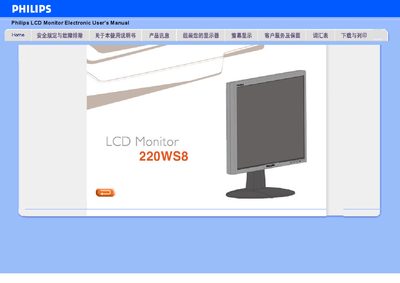
This manual explains how to install and use the Philips 220WS8 LCD monitor. It describes the SmartImage Lite technology, power‑saving features, and compliance with RoHS standards, helping users achieve optimal image quality and energy efficiency.
The guide also lists the technical specifications, including the WSXGA 1680 × 1050 resolution, 5 ms response time, dual VGA and DVI‑D inputs with HDCP support, and a built‑in power supply that eliminates the need for an external adapter.
| Resolution | 1680 × 1050 (WSXGA) |
|---|---|
| Response Time | 5 ms |
| Inputs | Analog VGA and digital DVI‑D |
| HDCP Support | Supported on DVI‑D (specific models) |
| Power Supply | Built‑in, no external adapter required |
It supports a WSXGA resolution of 1680 × 1050.
The monitor has a 5 ms fast response time.
It accepts both analog VGA and digital DVI‑D signals.
Yes, HDCP is supported on the DVI‑D input for specific models.