
Key facts
Start here
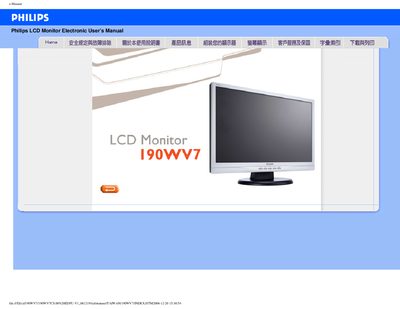
Philips 190WV7 LCD Monitor User Manual
This manual covers safety and troubleshooting information for the Philips 190WV7 LCD monitor, including operating temperature ranges, humidity limits, and handling precautions. It also contains a detailed FAQ section that addresses common issues such as video mode errors and flat‑panel adjustments.
The document provides a glossary of terms, VESA mounting information, and instructions for downloading drivers and the FP Adjust utility. At the end, users can find download and print instructions for the PDF version of the manual. This manual is written in Chinese.
Philips 190WV7 specifications
| Display size | 19‑inch diagonal |
|---|---|
| Resolution | 1440 × 900 pixels |
| Panel type | TFT LCD |
| Power input | 100‑240 V AC, 50/60 Hz |
| Power consumption (typical) | 36 W |
| Dimensions (W×H×D) | 438.5 × 358 × 211 mm |
| Weight | 5.0 kg |
| Operating temperature | 0 °C – 40 °C |
| Storage temperature | -20 °C – 60 °C |
| Relative humidity | 20 % – 80 % RH |
All Philips 190WV7 documents by type
Day-to-day operation, settings and troubleshooting. Start here if the product is already set up.
Questions answered in these manuals
What video mode cannot be displayed?
The manual states that the monitor cannot display the selected video mode.
How do I adjust the flat panel?
Use the FP Adjust utility (FP_setup4.3.exe) to perform flat‑panel adjustments.
How can I reset the monitor to its factory settings?
Press the MENU button and select Reset to restore all settings to the original factory defaults.
Can the monitor be mounted on a wall or VESA arm?
Yes, the Philips 190WV7 has four standard VESA mounting holes on the back for wall or arm installation.