
This is the user manual of Philips monitor, which introduces the safety measures, installation, operation, product information, technical specifications, regulations, customer service and warranty, troubleshooting and FAQs of the monitor.
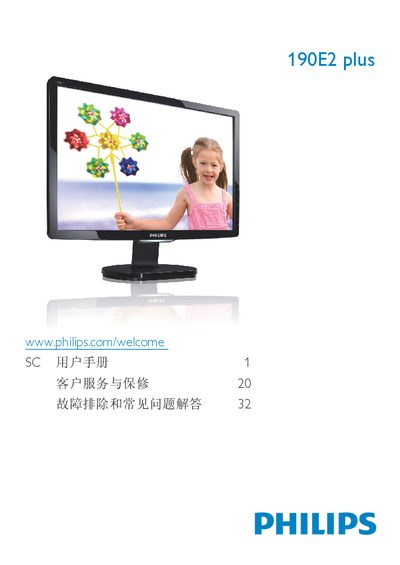
The Philips 32190E2 plus is a computer monitor designed for various content types. This manual provides essential instructions for setting up the hardware, adjusting on-screen display (OSD) settings, and maintaining the device to ensure optimal performance.
Key features include SmartImage Lite for dynamic adjustment of brightness, contrast, and color, as well as SmartContrast. The document also details safety precautions, environmental regulations, and troubleshooting steps for the user. This manual is written in Chinese.
| Native Resolution | 1440 x 900 @ 60Hz |
|---|---|
| Operating Temperature | 0-40°C (32-95 °F) |
| Operating Humidity | 20-80% RH |
It provides preset values optimized for different content types to dynamically adjust brightness, contrast, color, and clarity in real-time.
Always activate a moving screen saver when the monitor is unattended, or use a periodic screen refresh application for static images.