
Key facts
- Brand
- Panasonic
- Model
- SC-BT228
- Category
- Hi-Fi
- Industry
- Appliances
- Documents
- 2
- Languages
- EN
- Last added
- 2012-07-03
Start here
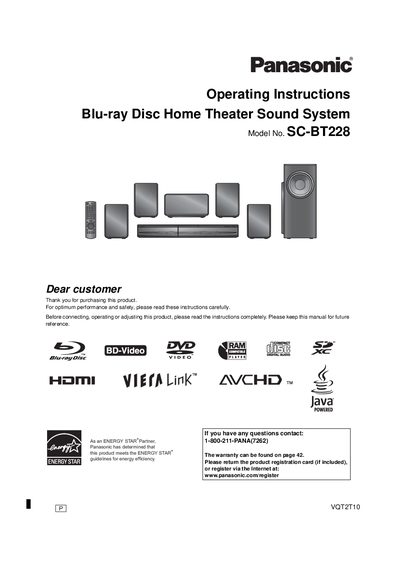
Panasonic SC-BT228 Blu-ray Disc Home Theater Sound System Operating Instructions
This manual provides operating instructions for the Panasonic SC-BT228 Blu-ray Disc Home Theater Sound System. It covers safety precautions, getting started with the system, and detailed steps for connecting speakers and external devices like TVs and iPods. The guide explains how to use the remote control and main unit to play various media formats including BD-Video, SD cards, and music files.
Read onlineAll Panasonic SC-BT228 documents by type
Day-to-day operation, settings and troubleshooting. Start here if the product is already set up.
Questions answered in these manuals
What is recommended for highest quality picture?
Use an HDMI cable, as it is recommended for the highest quality picture.
From: Panasonic SC-BT228 Blu-ray Disc Home Theater Sound System Easy Setting Guide
What is the model number of this sound system?
The model number is SC-BT228.
From: Panasonic SC-BT228 Blu-ray Disc Home Theater Sound System Easy Setting Guide
What is the maximum duration for setting a sleep timer?
The unit allows you to set a sleep timer for up to 120 minutes.
From: Panasonic SC-BT228 Blu-ray Disc Home Theater Sound System Operating Instructions
What happens if the volume is muted while the unit is turned off?
Muting will be canceled automatically when the unit is turned off.
From: Panasonic SC-BT228 Blu-ray Disc Home Theater Sound System Operating Instructions