
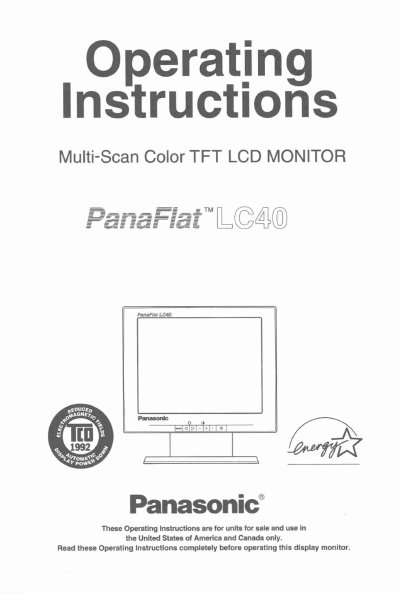
Panasonic LC40 Multi-Scan Color TFT LCD Monitor Operating Instructions


Panasonic LC40 Multi-Scan Color TFT LCD Monitor Operating Instructions - cover page
Brand
Panasonic
Category
Monitor
Document type
User Manual
Language
English
Pages
49
File format
PDF
File size
2.1 MB
Published
08 August, 2012
Updated
08 August, 2012
Model
LC40
MD5 checksum
A0ED89865074A5FE3AFB8F4126859639

About this manual

This document provides operating instructions for the Panasonic LC40 Multi-Scan Color TFT LCD Monitor. It includes important safety notices regarding power cord selection for various regions (US/Canada, Europe) and warnings about electrical shock and fire hazards.

The manual details installation procedures, on-screen adjustments, and operation features such as the Power Management System and Memories. It also lists technical specifications, timing parameters, and provides a troubleshooting guide for common issues.

What's inside

  • Precautions
  • Installation
  • Features
  • Specifications
  • On-Screen Adjustment
  • Operation
  • Power Management System
  • Memories
  • Trouble Shooting

Frequently asked questions

What type of power cord is required for the US and Canada?

For units mounted on a desk or table, type SVT or SUT cord sets may be used. For units which sit on the floor, only SJT type cord sets may be used.

What is required for power cords in European countries?

You must use a cord set appropriate for the receptacles in your country that is HAR-Certified.

Can I remove covers to service the monitor myself?

No, no user serviceable parts are inside. Refer servicing to qualified service personnel.

Download PDF (2.1 MB)

More Panasonic Manuals


View all Panasonic manuals →