
Key facts
- Brand
- Panasonic
- Model
- DMC-LZ5
- Category
- Digital cameras
- Industry
- Electronics
- Documents
- 3
- Languages
- EN · JA
- Last added
- 2012-08-10
Start here
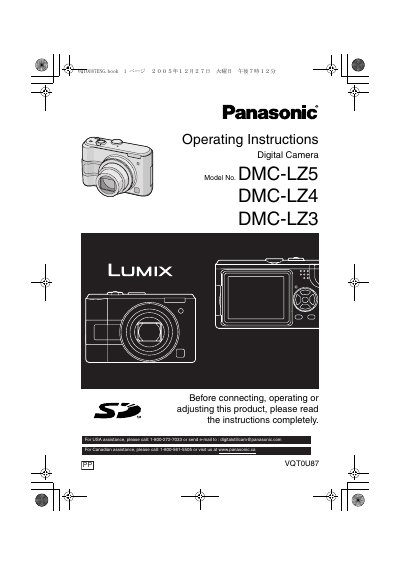
Panasonic DMC-LZ5 DMC-LZ4 DMC-LZ3 Manual
This document serves as the operating instructions for the Panasonic DMC-LZ5, DMC-LZ4, and DMC-LZ3 digital cameras. It provides essential safety warnings, details on standard accessories, and guides users through the initial setup process, including battery insertion and clock settings. The manual explains the various modes available on the camera's mode dial, such as Normal, Economy, Macro, and Motion Picture modes.
Read onlinePanasonic DMC-LZ5 specifications
| Dimensions | 100.0 mm × 62.0 mm × 45.0 mm (excluding protrusions) |
|---|---|
| Weight | 186 g (DMC‑LZ5 model) |
| Maximum still image resolution | 2816 × 2112 pixels |
| Video format | QuickTime Motion JPEG |
| USB interface | USB 2.0 (full speed) |
| Video system | NTSC/PAL selectable |
| Operating temperature range | 0 °C to 40 °C |
Source: Panasonic DMC-LZ5GKManual
All Panasonic DMC-LZ5 documents by type
Day-to-day operation, settings and troubleshooting. Start here if the product is already set up.
Questions answered in these manuals
What should I do if condensation forms on the lens or LCD monitor?
Turn the camera off and leave it for about 2 hours until the temperature matches the ambient temperature.
What is the recommended storage temperature for the batteries?
Store the batteries in a cool and dry place with a temperature between 15 °C and 25 °C.
How should I clean the LCD screen?
Do not apply force to the LCD; use a soft dry cloth to gently wipe the screen and avoid uneven pressure.
Which battery should I use with the DMC‑LZ5?
Use the genuine Panasonic AO battery (model DMW‑AC6) for optimal performance.