
Key facts
- Brand
- Panasonic
- Model
- DMC-LZ7
- Category
- Digital cameras
- Industry
- Electronics
- Documents
- 3
- Languages
- EN · ZH
- Last added
- 2012-08-10
Start here
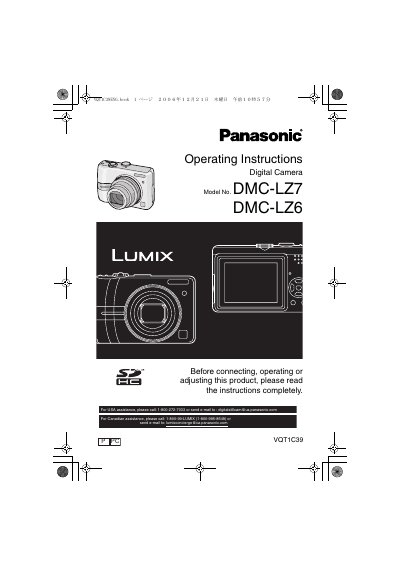
Panasonic DMC-LZ7 DMC-LZ6 Digital Camera Operating Instructions
This document provides operating instructions for the Panasonic DMC-LZ7 and DMC-LZ6 digital cameras. It covers essential safety information, preparation steps including battery and memory card usage, and detailed guidance on taking pictures in various modes such as Simple, Scene, and Motion Picture. The manual also explains how to play back, delete, and manage recorded images, as well as connecting the camera to a PC or TV.
Read onlinePanasonic DMC-LZ7 specifications
| Supported SD cards | 8 MB to 2 GB |
|---|---|
| Supported SDHC cards | 4 GB |
| Battery | ZR6 Oxyride (ZR6) |
| AC adapter | Panasonic DMW-AC6GK (optional) |
Source: Panasonic DMC-LZ7GKManual
All Panasonic DMC-LZ7 documents by type
Day-to-day operation, settings and troubleshooting. Start here if the product is already set up.
Questions answered in these manuals
What memory cards are compatible with this camera?
The camera supports SD Memory Cards, SDHC Memory Cards, and MultiMediaCards.
From: Panasonic DMC-LZ7 DMC-LZ6 Digital Camera Operating Instructions
Can I use a 4 GB card without an SDHC logo?
No, a 4 GB Memory Card without an SDHC logo will not work in this product.
From: Panasonic DMC-LZ7 DMC-LZ6 Digital Camera Operating Instructions
Which memory cards can be used with this camera?
SD, SDHC, and MultiMediaCard cards can be used; SD cards from 8 MB to 2 GB and SDHC cards of 4 GB are listed.
Which memory cards can be used with this camera?
SD memory cards, SDHC memory cards, and MultiMediaCards can be used; MultiMediaCard is compatible with still pictures only.
Can pictures be taken without a memory card?
Yes, the built-in memory can be used to shoot or play back pictures when no memory card is used.