
This instruction manual introduces how to use Panasonic digital camera DMC-LZ5 DMC-LZ3.
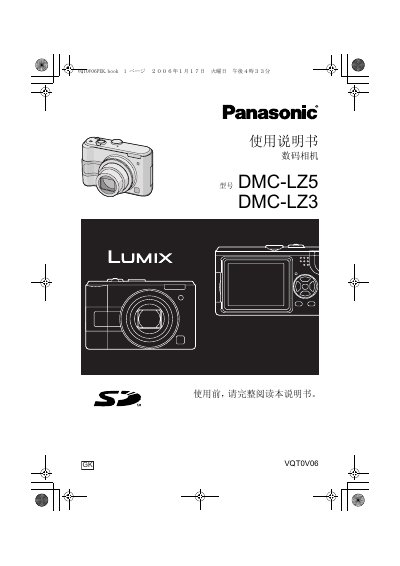
This Panasonic user manual provides operating instructions for the DMC-LZ5 and DMC-LZ3 digital cameras. It covers safety precautions, camera handling, the mode dial, and getting started with the battery, memory card, and date/time settings.
The manual also explains basic and advanced shooting functions, picture and movie playback, menu settings, and how to connect the camera to a PC, printer, or TV screen. It ends with troubleshooting information and specifications. This manual is written in Chinese.
It covers the Panasonic DMC-LZ5 and DMC-LZ3 digital cameras.
Turn off the camera and leave it for about two hours until the camera temperature approaches room temperature.
Yes, you can shoot or play back pictures using the built-in memory when no memory card is inserted.