
This document is the user guide for the SB5100 Series Cable Modem, which introduces the appearance and control panels of the modem, preparation before installation, installation and configuration overview, troubleshooting, contact information, and frequently asked questions.
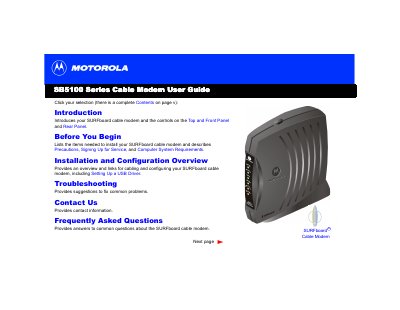
Congratulations on your new Motorola SURFboard cable modem. This device offers high-speed Internet access that is always online, significantly faster than traditional dial-up or ISDN modems. It supports connecting one to 32 computers in a home or business network via USB or Ethernet ports.
The guide covers essential topics including panel descriptions, safety precautions, system requirements for various Windows operating systems (95/98/Me/2000/XP), and detailed steps for cabling, driver installation, TCP/IP configuration, and IP address verification. It also includes troubleshooting tips for common front-panel light errors.
| Maximum Connected Computers (via Ethernet Hub) | Up to 32 computers |
|---|---|
| Speed Comparison vs Dial-up | Up to 100 times faster |
The Internet service is blocked because the Standby button was pressed, and no data is transmitted or received.
You can connect up to 32 computers to a single SURFboard cable modem using an Ethernet hub.
Your cable modem is up to 100 times faster than a dial-up modem.
The +12VDC connector provides power to the cable modem.