
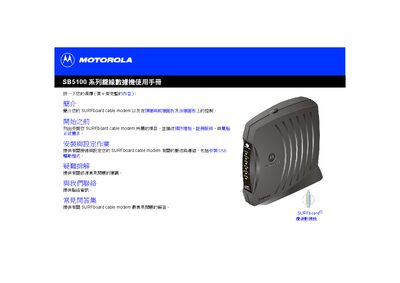
This manual introduces the Motorola SURFboard SB5100 series cable modem, describing its front and rear panels, required accessories, and safety precautions. It guides users through the installation process, including connecting the coaxial cable, power adapter, Ethernet and USB ports, and configuring the device for network use.
Detailed sections cover USB driver installation for various Windows versions, TCP/IP configuration, LED indicator meanings, troubleshooting common issues, and a FAQ with answers to typical setup questions. The document also includes software licensing information and contact details for Motorola support. This manual is written in Chinese.
| Ethernet port | RJ‑45 connector for Ethernet networking |
|---|---|
| USB port | Standard USB interface for computer connection |
| Power input | +12 V DC power connector |
| Coaxial cable requirement | 75 Ω coaxial cable with F‑type connector |
| Maximum supported computers | Up to 63 computers via Ethernet hub |
Use the section "在 Windows XP 中安裝 USB 驅動程式" to run the provided driver installer from the modem’s CD.
A 75 Ω coaxial cable with an F‑type connector is required for the connection.