
This document is about the copyright of Hewlett-Packard Development Company in 2005. It mainly introduces the copyright information of Hewlett-Packard's products and services, as well as the safety precautions that need to be followed when using the product.
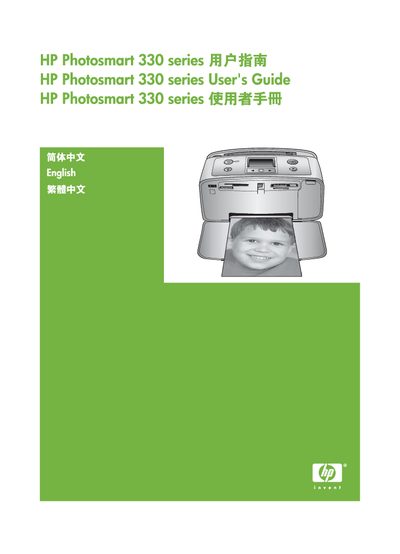
This guide provides step‑by‑step instructions for installing the HP Photosmart 330 series printer, loading paper and ink cartridges, and printing photos directly from memory cards, cameras, or a computer. It also covers optional accessories such as Bluetooth adapters and internal batteries.
Safety warnings, environmental information, and detailed troubleshooting tips are included, along with system requirements for installing the printer software on Windows and Macintosh computers. This manual is written in Chinese.
| Supported Operating Systems (Windows) | Windows 98, 2000 Professional, ME, XP Home, XP Professional |
|---|---|
| Supported Operating Systems (Mac) | Mac OS X 10.2.3 to 10.3.x |
| Processor (Windows) | Intel® Pentium® II or faster |
| RAM (Windows) | 64 MB (recommended 128 MB) |
| RAM (Mac) | 128 MB |
| Hard‑disk Space | 500 MB |
| USB Interface | USB 2.0 full‑speed |
| Maximum Bluetooth Distance | 10 m (30 ft) |
If paper is stuck at the front, gently pull it out; if not, remove paper from the rear tray, open the paper feed tray fully, and pull the jammed paper out. If needed, turn off the printer before removing the jam.
The recommended maximum distance between a Bluetooth device and the printer is 10 meters (30 feet).