
User guide for HP OfficeJet Pro 8000 printer covering setup, installation, operation, maintenance, and troubleshooting.
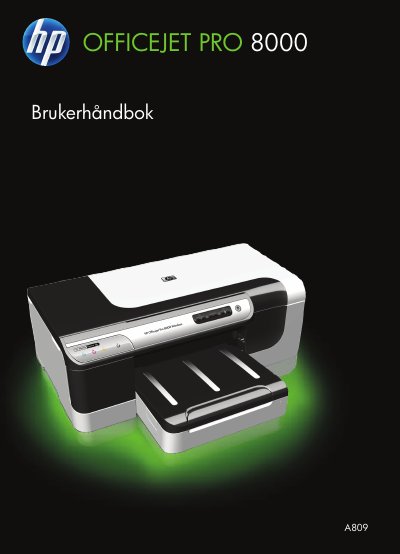
This manual provides step-by-step instructions for setting up, installing, and operating the HP OfficeJet Pro 8000 printer. It includes guidance on installing optional accessories, configuring network and wireless connections, managing print jobs, and performing maintenance tasks such as replacing ink cartridges and cleaning print heads. The manual also covers troubleshooting common issues and accessing support resources.
| Physical Specifications | Fysiske spesifikasjoner |
|---|---|
| Processor and Memory Specifications | Prosessor- og minnespesifikasjoner |
| System Requirements | Systemkrav |
| Print Resolution | Utskriftsoppløsning |
Install the two-sided unit and tray 2, then activate the accessories in the printer driver on Windows or Mac OS X.
Use the installation program to configure wireless settings for Windows or Mac OS X, or use an ad hoc connection.