
Key facts
Start here
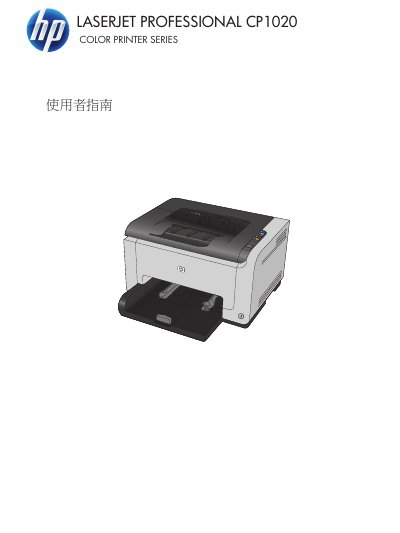
HP LaserJet Pro CP1020 Color Printer Series User Guide
This user guide for the HP LaserJet Pro CP1020 Color Printer Series covers product basics, front and rear views, the control panel, and software for Windows and Mac. It also describes USB and network connections, paper and print media, print jobs, color settings, product management and maintenance, and troubleshooting.
The guide includes procedures for installing and removing software, changing printer driver settings, loading trays, clearing jams, improving print quality, and using the embedded Web server on network models. It also contains specifications, warranty and support information, and an index. This manual is written in Chinese.
HP CP1020 Color Printer Series specifications
| Custom paper size, minimum | 76 x 127 mm |
|---|---|
| Custom paper size, maximum | 216 x 356 mm |
| Envelope #10 size | 105 x 241 mm |
| Envelope DL size | 110 x 220 mm |
Source: HP LaserJet Pro CP1020 Color Printer Series User Guide
All HP CP1020 Color Printer Series documents by type
Day-to-day operation, settings and troubleshooting. Start here if the product is already set up.
Questions answered in these manuals
What paper sizes does the printer support?
It supports paper sizes including Letter, Legal, A4, Executive, A5, A6, B5 (JIS), 16k, and custom sizes from 76 x 127 mm to 216 x 356 mm.
From: HP LaserJet Pro CP1020 Color Printer Series User Guide
Can I use inkjet paper in this printer?
No. HP LaserJet uses a fuser, and using inkjet paper can damage the product.
From: HP LaserJet Pro CP1020 Color Printer Series User Guide
What product does this guide cover?
It covers the HP LaserJet Pro CP1020 Color Printer Series.
From: HP LaserJet Pro CP1020 Color Printer Series User Guide
Does the guide include instructions for Mac?
Yes. The contents include a section on using the product with Mac and Mac software topics.
From: HP LaserJet Pro CP1020 Color Printer Series User Guide