
HP LaserJet Pro CP1020 Color Printer series user guide.
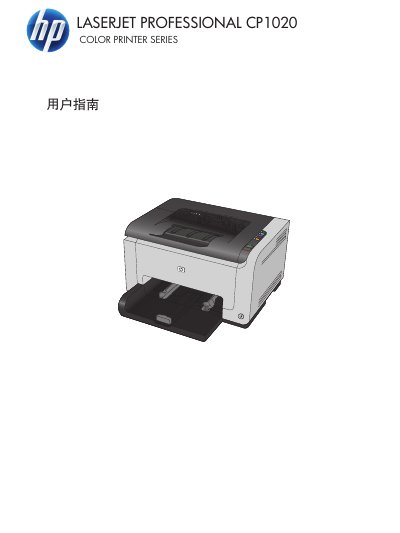
This HP LaserJet Pro CP1020 Color Printer Series user guide covers product basics and views, Windows and Mac software, connecting the product, paper and print media, and print jobs.
It also describes color adjustment, managing and maintaining the product, troubleshooting, specifications, and HP warranty and support information. This manual is written in Chinese.
| Custom paper size, minimum | 76 x 127 mm |
|---|---|
| Custom paper size, maximum | 216 x 356 mm |
| Envelope #10 size | 105 x 241 mm |
| Envelope DL size | 110 x 220 mm |
It supports paper sizes including Letter, Legal, A4, Executive, A5, A6, B5 (JIS), 16k, and custom sizes from 76 x 127 mm to 216 x 356 mm.
No. HP LaserJet uses a fuser, and using inkjet paper can damage the product.
Set the paper type and size in the printer driver before printing special paper or media.