
Key facts
Start here
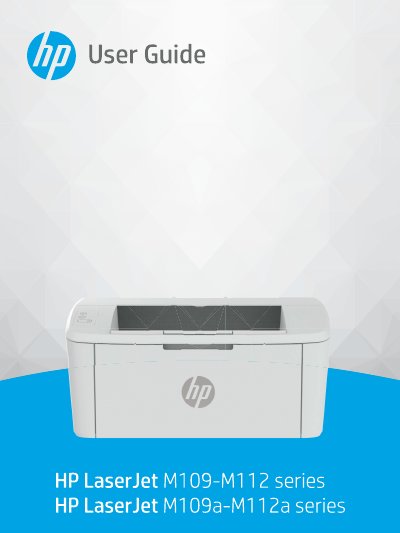
HP LaserJet M109-M112, M109a-M112a Series User Guide
This User Guide is for the HP LaserJet M109-M112, M109a-M112a series printer. It provides configuration, use, warranty, safety and environmental information for the printer.
The guide covers printer views and control panel features, connecting by Wi-Fi, WPS or USB, loading paper, envelopes and labels, and printing from Windows, Mac and mobile devices. It also covers printer configuration with the Embedded Web Server, toner cartridge replacement, and solving printing, paper-feed, print quality and wireless problems.
All HP LaserJet M109-M112 documents by type
Day-to-day operation, settings and troubleshooting. Start here if the product is already set up.
Questions answered in these manuals
What does the wireless button do?
Press the wireless button to turn the wireless function on or off or to configure a Wi-Fi Direct connection; press and hold it to set up a WPS connection.
From: HP LaserJet M109-M112 / M109a-M112a Series Printer User Guide
What does a steady warning light mean?
If the warning light is on, the printer is in an error state; if it blinks, the printer is prompting the user for attention.
From: HP LaserJet M109-M112 / M109a-M112a Series Printer User Guide
What does the Ready light on the control panel mean?
The Ready light is on when the printer is ready to print.
What does the Attention light mean?
The Attention light blinks when the printer requires user attention, and is on when the printer is in an error state.