
Key facts
Start here
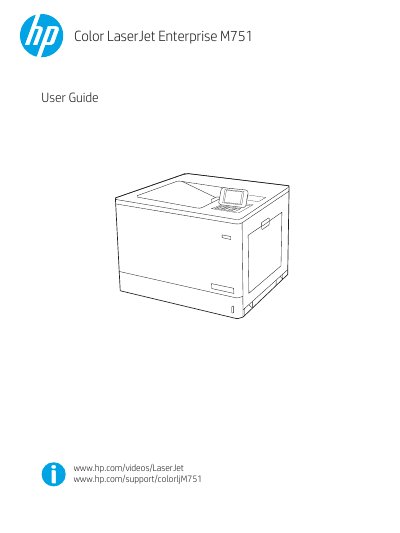
HP Color LaserJet Enterprise M751 Printer User Guide
This user guide covers the HP Color LaserJet Enterprise M751 printer, including the M751n and M751dn models. It describes printer views, the control panel, hardware setup, and software installation.
The guide also explains how to load paper, replace toner cartridges and imaging drums, print from Windows and macOS, manage the printer with the HP Embedded Web Server, and solve common problems such as paper jams and print-quality issues.
HP Color LaserJet Enterprise M751 specifications
| Model name | M751n, M751dn |
|---|---|
| Product number | T3U43A, T3U44A |
| Tray 1 capacity | 100-sheet |
| Tray 2 capacity | 550-sheet |
| Automatic duplex printing | Not available on M751n; included on M751dn |
| Network connectivity | 10/100/1000 Ethernet LAN with IPv4 and IPv6 |
Source: HP Color LaserJet Enterprise M751 Printer User Guide
All HP Color LaserJet Enterprise M751 documents by type
Day-to-day operation, settings and troubleshooting. Start here if the product is already set up.
Questions answered in these manuals
What is the warranty period for the HP Color LaserJet Enterprise M751n and M751dn?
The warranty period is one year with next-business-day on-site service.
From: HP Color LaserJet Enterprise M751 Warranty and Legal Guide
What is the maximum concentration of lead allowed in this product?
The product does not contain lead in concentrations exceeding 0.1 weight %.
From: HP Color LaserJet Enterprise M751 Warranty and Legal Guide
Which printer models does this guide cover?
It covers the HP Color LaserJet Enterprise M751n and M751dn models.
Which paper trays are included with the printer?
Both models include Tray 1 with 100-sheet capacity and Tray 2 with 550-sheet capacity.