
Key facts
Start here
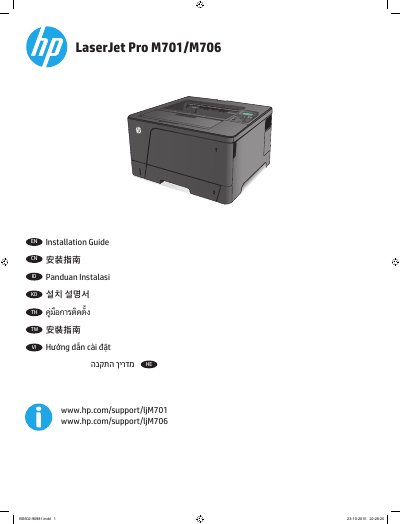
HP LaserJet Pro M701/M706 Series Printer Installation Guide
The guide explains how to position the HP LaserJet Pro M701/M706 printer, connect the power cord to a grounded AC outlet, turn on the product, and print a configuration report to verify printing. It states that the product uses 220-240 Vac and 50/60 Hz and warns to use only the supplied power cord.
For Windows wired networks, it describes connecting the network cable, inserting the CD, and running Setup.exe. It notes that administrator privileges are required, and if the product is not detected, the IP address can be found on the first page of the configuration report.
All HP M701 documents by type
Mounting, wiring and first power-up. Read it before the hardware goes in.
Disassembly, diagnostics and part numbers, for repair.
Questions answered in these manuals
What power source does the printer require?
The product uses 220-240 Vac and 50/60 Hz.
From: HP LaserJet Pro M701/M706 Series Printer Installation Guide
How do I verify that the printer prints?
Press the OK button, open the Reports menu, select the Configuration Report option, and then press the OK button.
From: HP LaserJet Pro M701/M706 Series Printer Installation Guide
What is the recommended operating temperature?
The recommended operating temperature range is 17° to 25°C (62.6° to 77°F).
How do I clear a jam in the fuser area?
Follow the specific instructions for clearing jams in the rear door and fuser area found in the manual.