
HP Color LaserJet Printer series user guide, introduces the features and functions of the series.
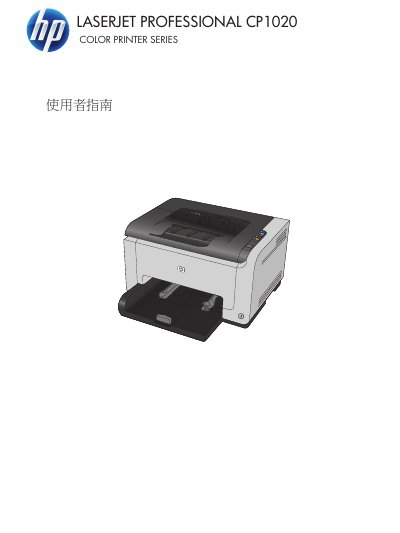
This user guide for the HP LaserJet Pro CP1020 Color Printer Series covers product basics, front and rear views, the control panel, and software for Windows and Mac. It also describes USB and network connections, paper and print media, print jobs, color settings, product management and maintenance, and troubleshooting.
The guide includes procedures for installing and removing software, changing printer driver settings, loading trays, clearing jams, improving print quality, and using the embedded Web server on network models. It also contains specifications, warranty and support information, and an index. This manual is written in Chinese.
It covers the HP LaserJet Pro CP1020 Color Printer Series.
Yes. The contents include a section on using the product with Mac and Mac software topics.
Yes. The contents include a troubleshooting section titled 解決問題.
Yes. It includes network connection topics and marks network functions as limited to network models.