
Key facts
- Brand
- HP
- Model
- F2200 All-in-One series
- Category
- All-in-one printer
- Documents
- 2
- Languages
- ZH
- Last added
- 2023-11-03
Start here
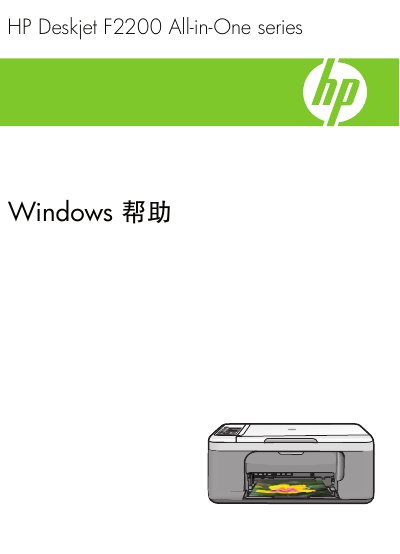
HP Deskjet F2200 All-in-One Series User Manual
This manual provides step‑by‑step instructions for installing and using the HP Deskjet F2200 All‑in‑One printer on Windows systems. It covers control‑panel functions, connection options, paper loading, and software setup.
Additional sections describe printing, copying, and scanning operations, routine maintenance such as cleaning the glass plate and cartridge replacement, and troubleshooting common issues like paper jams and print quality problems. This manual is written in Chinese.
All HP F2200 All-in-One series documents by type
Mounting, wiring and first power-up. Read it before the hardware goes in.
Day-to-day operation, settings and troubleshooting. Start here if the product is already set up.
Questions answered in these manuals
Should I connect the USB cable before the software prompts me?
No. Do not connect the USB cable until prompted.
What should I do if the print carriage does not move?
Unplug the product, remove all tape and packing material, reconnect the power cord, and turn on the product.
How do I set the HP All-in-One as the default printer?
Set the HP All-in-One as the default printer in Windows printer settings.
What is the maximum number of sheets the paper tray can hold?
The paper tray can hold up to 80 sheets of 75 gsm paper.