
Key facts
Start here
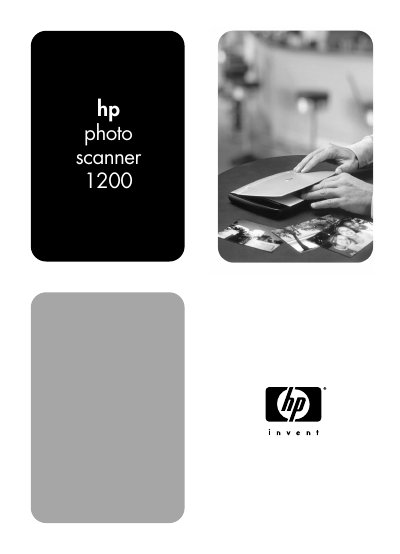
HP Photo Scanner 1200 User's Manual
The HP Photo Scanner 1200 is a portable photo scanner that can scan photos, artwork, business cards, receipts, and other text items. It supports computer-powered scanning over USB and battery-powered scanning that saves images to a memory card.
It can scan directly to Compact Flash, Secure Digital, and MultiMedia memory cards, and scanned photos can be printed, e-mailed, uploaded to a website, or stored on a computer. The manual covers setup, scanning options, sharing images, advanced scanning techniques, troubleshooting, batteries, memory cards, accessories, and specifications.
HP Photo Scanner 1200 specifications
| Scanning modes | Computer-powered (USB) and battery-powered |
|---|---|
| Memory card support | Compact Flash (CF), Secure Digital (SD), MultiMedia (MM) |
| Battery power | Batteries (not included) |
| Memory card | Required for battery-powered scanning (not included) |
| Photo size support | Photos larger than 10 x 15 cm (4 x 6 inches) |
| Printing without a computer | Requires a printer with a memory card slot |
All HP Photo Scanner 1200 documents by type
Day-to-day operation, settings and troubleshooting. Start here if the product is already set up.
Questions answered in these manuals
Can the HP Photo Scanner 1200 scan without a computer?
Yes. It can be used as a portable, battery-powered scanner and saves scanned photos to a memory card.
Does the scanner need batteries when connected to a computer?
No. The USB cable provides power to the scanner when it is connected to the computer.
What types of memory cards can be used with the scanner?
It supports Compact Flash (CF), Secure Digital (SD), and MultiMedia (MM) cards.