
HP Color LaserJet 2700 Series Printer User Guide

User guide for HP Color LaserJet 2700 Series printers covering setup, operation, maintenance, and troubleshooting.
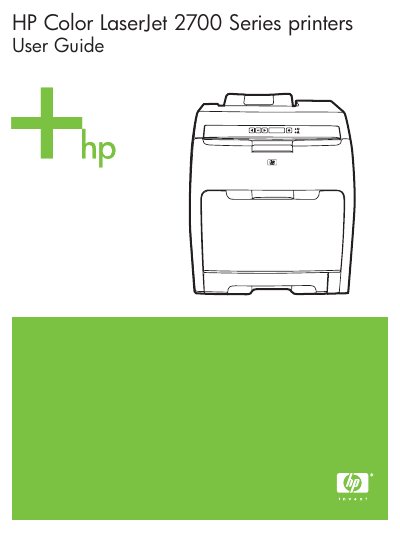

HP Color LaserJet 2700 Series Printer User Guide - cover page
Brand
HP
Category
Printer
Document type
User Manual
Language
Chinese
Pages
182
File format
PDF
File size
2.7 MB
Published
26 November, 2026
Updated
26 November, 2026
MD5 checksum
04E937E06ABEA686D77E3B647BFE64BD

About this manual

This user guide provides step-by-step instructions for operating the HP Color LaserJet 2700 Series printer, including setup, printing tasks, control panel usage, and maintenance. It covers supported operating systems, drivers, print media, color management, and troubleshooting common issues. The guide also includes information on network configuration, printer software, and service support options. This manual is written in Chinese.

What's inside

  • Printer basics
  • Control panel
  • I/O configuration
  • Printing tasks
  • Managing the printer
  • Color
  • Maintenance
  • Problem solving
  • Supplies and accessories
  • Service and support

Frequently asked questions

What paper weight range is recommended for optimum results?

For optimum results, use conventional photocopy paper that weighs between 75 g/m2 and 90 g/m2.

What is the maximum paper capacity for Tray 2?

Tray 2 can hold up to 250 sheets of paper.

What is the maximum thickness allowed for labels?

Labels must have a thickness of up to 0.23 mm.

Download PDF (2.7 MB)

More HP Manuals


View all HP manuals →