
This document describes the features and characteristics of the MFC-8440 i device produced by Brother. The device is designed for use with two-wire analog PSTN lines and is only suitable for use in the original purchasing country. Brother does not provide any warranty if the product is used in other countries or on public communication lines in other countries.
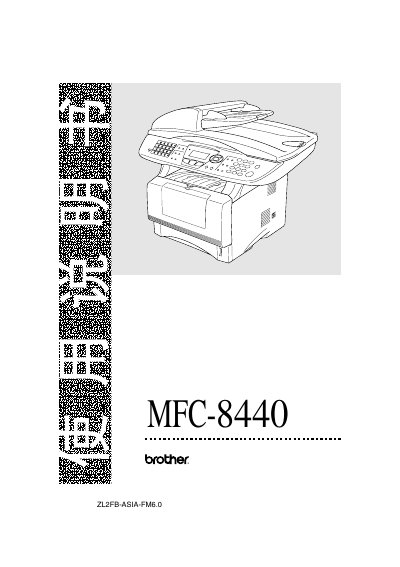
This manual covers safety precautions, installation guidelines, and recommended operating conditions for the Brother MFC-8440 multifunction center. It explains how to set up the device, connect telephone and network lines, and configure basic settings such as date, time, and language.
Detailed instructions are provided for faxing, printing, copying, and scanning, including use of the automatic document feeder, paper handling, and advanced features like real‑time fax, polling, and remote retrieval. Troubleshooting tips, maintenance procedures, and optional accessories are also described.
| Operating temperature | 10 °C – 32.5 °C |
|---|---|
| Laser diode compliance | IEC 60825 |
Before cleaning, unplug the power cord and avoid using wet hands when handling the power plug.
The device should be used in an environment where the temperature is between 10 °C and 32.5 °C.
Ink‑jet specific paper should not be used, as it can cause paper jams and damage the unit.
Recommended paper lists are available on Brother’s solutions website at http://solutions.brother.com.