
This is a setup guide that introduces how to set up the Brother FAX-1820C and FAX-1920CN. The guide includes how to set up the hardware, how to use the fax machine as a printer, and how to use the network features.
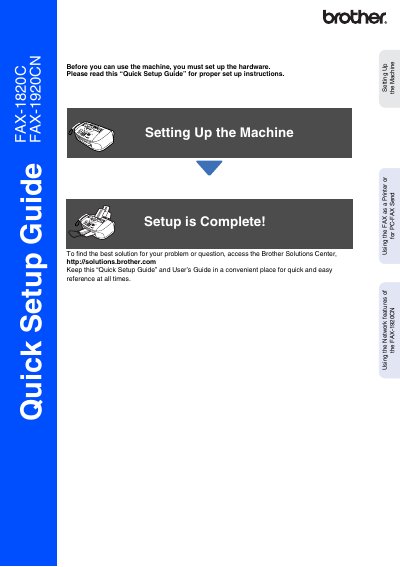
This document serves as a Quick Setup Guide for the Brother FAX-1820C and FAX-1920CN models. It outlines the essential steps required to set up the machine before use, including removing protective parts, installing the handset, attaching the paper tray, loading paper, connecting power and telephone lines, and installing ink cartridges.
The guide also covers specific configuration tasks such as setting the date and time, selecting a receive mode (specifically for the FAX-1920CN), and using network features like PC-FAX Send. It includes instructions on how to use the machine as a printer or fax sender via a computer.
| Power Requirement | 3-prong plug required |
|---|
Irrigate them with water immediately and consult a doctor if irritation occurs.
Connect one end of the cord to the jack marked LINE on the machine and the other end to a modular wall jack.
Visit the Brother Solutions Center at http://solutions.brother.com for details.