
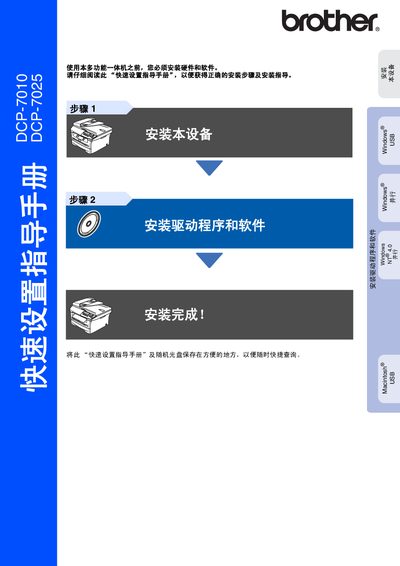
Brother DCP-7010/DCP-7025 Quick Setup Guide


Brother DCP-7010/DCP-7025 Quick Setup Guide - cover page
Brand
Brother
Category
All-in-one printer
Document type
Quick Start Guide
Language
Chinese
Pages
27
File format
PDF
File size
1.5 MB
Published
20 September, 2011
Updated
29 September, 2023
MD5 checksum
6DAA7CCEE3FC474F0F91BE4FA2D8C119

About this manual

The guide begins with safety precautions, describing how to avoid electric shock, high‑temperature surfaces, and laser hazards. It also lists the required power and data cables, their colors, and the maximum cable length.

Subsequent sections cover installing the toner cartridge, loading paper, and connecting the device to a computer. Detailed driver and software installation steps are provided for Windows, Mac OS, and parallel‑port setups, followed by basic operation instructions for copying, scanning, and printing. This manual is written in Chinese.

What's inside

  • Safety Precautions
  • Hardware Overview
  • Power and Cable Installation
  • Driver and Software Installation
  • Laser Safety Information
  • Loading Consumables
  • Operating the Device
  • Technical Specifications
  • Trademark and Copyright

Specifications

Laser wavelength770‑810 nm
Laser class3B
Operating voltage220‑240 V

Frequently asked questions

How should I disconnect the power safely?

Turn off the power switch and unplug the power cord from the outlet.

What is the maximum length for the USB or parallel cable?

Cables must not be longer than 2 meters.

What are the laser specifications of this printer?

It uses a 3B class laser diode with a 5 mW output and a wavelength of 770‑810 nm.

Download PDF (1.5 MB)

More Brother Manuals


View all Brother manuals →