
This document is the user manual of CV-130, which introduces the features and usage methods of the product.
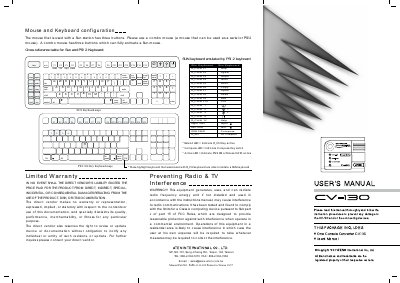
The CV-130 is an interface converter that translates PS/2 keyboard, mouse and monitor signals to regular Sun workstation signals. It supports hot‑plug for PS/2 devices, selectable mouse speed, DIP‑switch video and screen‑saver modes, and works with ATEN MasterView KVM switches and console extenders.
Installation is straightforward: connect the PS/2 mouse and keyboard to the PS/2 ports, attach the monitor to the HD‑15 female port, link the Sun workstation video‑out to the CV‑130 video‑in with a 13W3 cable, and connect the Sun keyboard and mouse ports to the CV‑130 using an MD8 male‑to‑male cable. No external power adapter is required.
| Power Consumption | S0mA (max) |
|---|---|
| Video In Connector | 13W3 / Female |
| Video Out Connector | HD15 / Female |
| Sun Keyboard Connector | Mini Din 8‑Pin / Female |
| Mouse Connector | Mini Din 6‑Pin / Female |
| DIP Switch | 8 bits |
| LED Active | Green |
| Operation Temperature | SMC ~ 40% |
| Storage Temperature | -20%C ~ 60%C |
| Humidity | 0% ~ 80% (RH) |
| Enclosure | Plastic |
| Weight | 1509 |
| Dimensions (L×W×H) | 100 x 80 x 36 mm |
The CV-130 converts PS/2 keyboard, mouse and monitor signals to regular Sun workstation signals.
No, the CV-130 does not require an external power adapter.
Connect the PS/2 mouse and keyboard to the PS/2 ports, the monitor to the HD‑15 port, use a 13W3 cable to link the Sun workstation video‑out to the CV‑130 video‑in, and connect the Sun keyboard and mouse ports with an MD8 male‑to‑male cable.