
This document is the user manual for ATEN CS1732B / CS1734B USB 2.0 KVMP Switch with OSD. The manual describes the features and characteristics of the product, including compliance with B-level electronic device requirements and FCC certification specifications, compliance with RoHS specifications, online registration, and telephone support. It also provides precautions and packaging details.
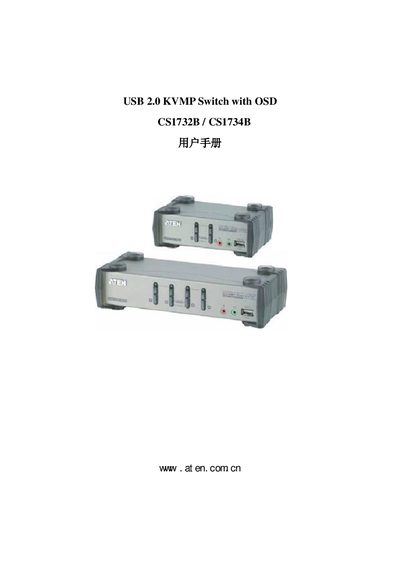
This manual explains how to install and configure the ATEN CS1732B/CS1734B USB 2.0 KVMP Switch with OSD. It covers hardware setup, cable connections, OSD navigation, keyboard emulation, and firmware updates, helping users manage multiple computers with a single set of peripherals.
Safety guidelines, default OSD settings, product specifications, and a troubleshooting guide are also included, ensuring reliable operation in commercial environments. This manual is written in Chinese.
| Computer connections | 2 (CS1732B) / 4 (CS1734B) |
|---|---|
| Display connector | 1×HDB-15 (blue) |
| Mouse connector | 1×A‑type USB (black) |
| Speaker connector | 2× Mini Stereo Jack (green) |
| Power supply | DC 5.3 V, 3.1 W max (CS1732B) / 3.4 W max (CS1734B) |
| Operating temperature | 0 °C to 50 °C |
| Dimensions (CS1732B) | 14.00 × 8.70 × 5.50 cm |
The default OSD hotkey is the Scroll Lock key.
Press the USB reset hotkey combination (F5) to reset the USB port.
It operates at DC 5.3 V with a maximum power consumption of 3.1 W (CS1732B) or 3.4 W (CS1734B).