
Key facts
- Brand
- Siemens
- Model
- TD400C
- Documents
- 4
- Languages
- ZH
- Last added
- 2000-01-01
Start here
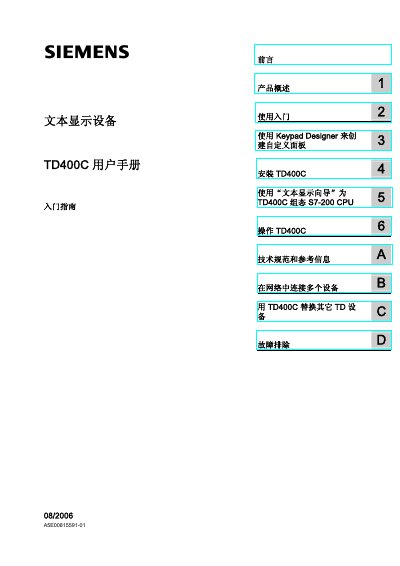
Siemens TD400C Text Display User Manual
This user manual covers the installation, configuration, and operation of the Siemens TD400C V1.0 text display device. It details how to use the STEP 7-Micro/WIN Text Display Wizard and the Keypad Designer application to configure the device for use with S7-200 CPUs. The guide is intended for engineers, programmers, and maintenance personnel with basic knowledge of programmable logic controllers and operator interfaces. This manual is written in Chinese.
Read onlineSiemens TD400C specifications
| LCD resolution | 192×64 pixels |
|---|---|
| Display lines | 2 lines (large font) or 4 lines (small font) |
| Power supply | TD/CPU cable from S7‑200 CPU or external 24 VDC supply |
| Backlight | Backlit LCD |
All Siemens TD400C documents by type
Day-to-day operation, settings and troubleshooting. Start here if the product is already set up.
Questions answered in these manuals
How many lines can the TD400C display?
It can display 2 lines in large‑font mode or 4 lines in small‑font mode.
What is the LCD resolution of the TD400C?
The LCD resolution is 192 × 64 pixels.
How many lines of text can the TD400C display?
It can display 2 lines in large‑font mode or 4 lines in small‑font mode.
What is the LCD resolution of the TD400C?
The LCD has a resolution of 192 × 64 pixels.