
Key facts
- Brand
- Siemens
- Model
- S7-300/400
- Industry
- Industrial
- Documents
- 12
- Languages
- ZH
- Last added
- 2026-10-17
Start here
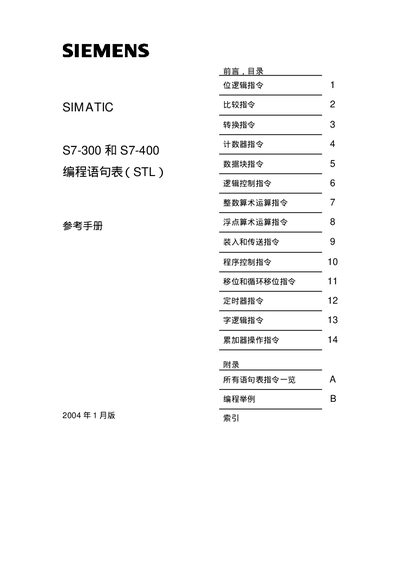
Siemens SIMATIC S7-300/400 STL Programming Reference Manual
This document serves as a reference manual for programming the SIMATIC S7-300 and S7-400 programmable controllers using the Statement List (STL) language. It details the syntax and functionality of STL elements, including logical operations, data handling, and program control instructions. The manual is part of the STEP 7 reference materials and is intended for programmers, operators, and maintenance personnel with general automation knowledge. This manual is written in Chinese.
Read onlineSiemens S7-300/400 specifications
| Supply Voltage (General) | AC220V, 50HZ |
|---|---|
| Isolation Voltage Limit (Eiso) | 75VDC or 60VAC |
| Power Reserve Margin | 0.5 to 1 times |
Source: Siemens S7-300/400 System Power Design and I/O Wiring Guide
All Siemens S7-300/400 documents by type
Instruction set, parameters and examples for configuring or programming the device.
- Siemens PtP Communication Instructions for S7-300/400 Distributed I/O 124 p
- Siemens S7-300/400 S7-SCL Programming Manual 39 p
- Siemens S7-300/400 System Software Reference Manual 660 p
- SIEMENS SIMATIC S7-300/400Of system softwareand Standard function Reference Guide 491 p
- Siemens S7-300/400 System Software Standard Functions Manual 660 p
Day-to-day operation, settings and troubleshooting. Start here if the product is already set up.
Questions answered in these manuals
What knowledge is required to understand this manual?
Readers must have basic knowledge of automation technology, SIMATIC industrial automation systems, Windows-based computers, and the STEP 7 documentation.
From: Siemens PtP Communication Instructions for S7-300/400 Distributed I/O
Which communication modules does this manual apply to?
This manual applies to the CM PtP RS232 BA, CM PtP RS422/485 BA, CM PtP RS232 HF, CM PtP RS422/485 HF, and CM PtP communication modules.
From: Siemens PtP Communication Instructions for S7-300/400 Distributed I/O
What are the key factors for designing an S7-300/400 power system?
Design should consider reasonable grounding, anti-interference capability of the power system, and redundancy to prevent PLC power loss if external equipment fails.
From: Siemens S7-300/400 System Power Design and I/O Wiring Guide
How should analog signal grounds be connected for isolated input modules?
If the potential difference between Mana and M exceeds Eiso (75VDC or 60VAC), a connection must be established. Otherwise, they remain electrically disconnected.
From: Siemens S7-300/400 System Power Design and I/O Wiring Guide
How can I enable monitoring of S7‑SCL programs?
In the compiler options select “Create debug info” and also enable “Create object code” so that variables can be monitored.
Why does the compiler report “Character strings have different lengths”?
The warning occurs when source strings have mismatched lengths; declare the shorter string variable with a larger length (e.g., 254 characters) to eliminate the error.