
Key facts
- Brand
- Siemens
- Model
- SINAMICS G120C
- Category
- Industrial Supply
- Industry
- Industrial
- Documents
- 4
- Languages
- ZH · EN
- Last added
- 2026-10-12
Start here
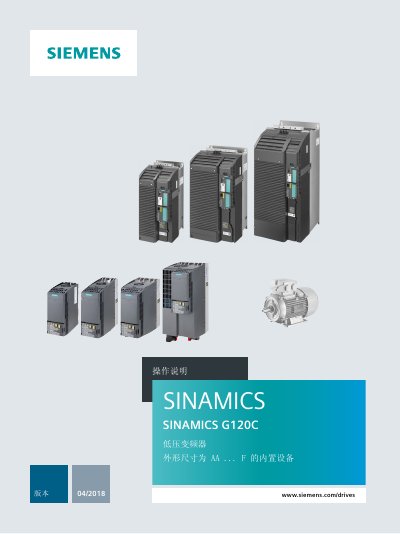
Siemens SINAMICS G120C VFD Operation Manual
This document serves as the operation manual for the Siemens SINAMICS G120C variable frequency drive (VFD). It covers essential topics including basic safety instructions, product descriptions, installation procedures for various components like reactors and filters, and detailed commissioning guides using both the BOP-2 operator panel and PC software tools.
The manual also addresses advanced configuration topics such as drive control via various fieldbus protocols (PROFIBUS, PROFINET, Modbus RTU, etc.), safety functions like STO, and PID process controllers. It concludes with information on alarms, fault handling, corrective maintenance, and technical specifications. This manual is written in Chinese.
Siemens SINAMICS G120C specifications
| Firmware version | V3.0 |
|---|---|
| Parameter number format | 4‑digit numbers 0000‑9999 |
| Data type Unsigned8 | 8‑bit unsigned |
| Quick commissioning flag | P0010 = 1 |
All Siemens SINAMICS G120C documents by type
Day-to-day operation, settings and troubleshooting. Start here if the product is already set up.
Disassembly, diagnostics and part numbers, for repair.
Questions answered in these manuals
Where is the nameplate located on the drive?
The nameplate is located on the front opposite the operator panel cover and on the side of the heat sink.
What firmware version is included in this manual?
This manual covers firmware version 4.7 SP10.
What does the safety alert symbol "Danger" mean?
It indicates that death or severe personal injury will result if proper precautions are not taken.
Who is the target audience for the SINAMICS G120C List Manual?
The documentation is intended for machine manufacturers, commissioning engineers, and service personnel.
Where can the EC Declaration of Conformity be found?
It is available online at https://support.industry.siemens.com/cs/products?dtp=Certificate&mfn=ps&pnid=13221&lc=de-WW.
What does the Ready (RDY) LED indicate?
The Ready LED (RDY) is green and shows that the inverter is ready to run, but it does not indicate whether the drive is actually running.
From: SIEMENS SINAMICS G120 Control Units CU240S Getting Started