
Key facts
- Brand
- Siemens
- Model
- RWD68
- Documents
- 4
- Languages
- ZH
- Last added
- 2011-11-04
Start here
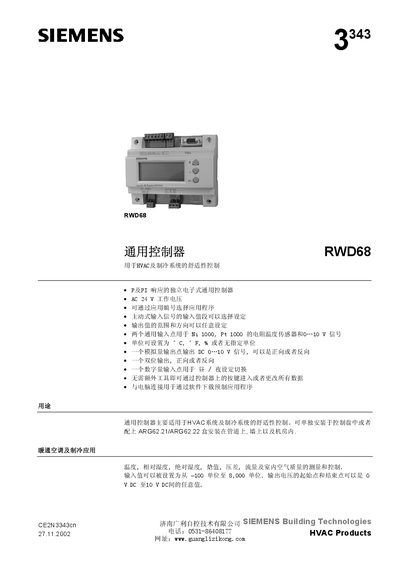
Siemens RWD68 General Controller User Manual
The RWD68 universal controller is designed for HVAC and refrigeration comfort control. It supports independent electronic P and PI responses, AC 24 V power, and selectable input ranges for temperature sensors and 0‑10 V signals. Settings can be changed via front‑panel keys or a Windows‑based software tool.
The device can be installed on a DIN rail, wall‑mounted in a protective enclosure (ARG62.21/ARG62.22), or front‑mounted with screws. Technical data include a working voltage of AC 24 V, temperature range –25 °C to +70 °C, IP20 enclosure rating, and a weight of 0.2875 kg. This manual is written in Chinese.
Siemens RWD68 specifications
| Temperature measurement range (environment) | -25 °C to +70 °C |
|---|---|
| Temperature measurement range (operating) | -20 °C to +180 °C |
| Humidity limit | ≤95 % RH |
| IP rating (standard enclosure) | IP20 |
| IP rating (optional panel) | IP30 |
| Weight | 0.2875 kg |
All Siemens RWD68 documents by type
Day-to-day operation, settings and troubleshooting. Start here if the product is already set up.
Questions answered in these manuals
How is day/night mode set on the RWD68 controller?
Connect a switch between the D1 and M terminals; opening the switch selects day mode, closing it selects night mode.
What types of input sensors can be connected to the RWD68?
Two universal input points accept Ni 1000 or Pt 1000 resistance temperature sensors and 0‑10 V signals.
How can day/night mode be switched on the RWD68?
Day/night mode is switched by connecting a switch between the D1 and NM terminals; opening the switch selects day mode, closing selects night mode.
What types of temperature sensors are supported?
The controller accepts Ni 1000 and Pt 1000 resistance temperature sensors.