
Key facts
- Brand
- Siemens
- Model
- MP 370
- Category
- Automation control Equipment
- Industry
- Industrial
- Documents
- 4
- Languages
- EN · ZH
- Last added
- 2000-01-01
Start here
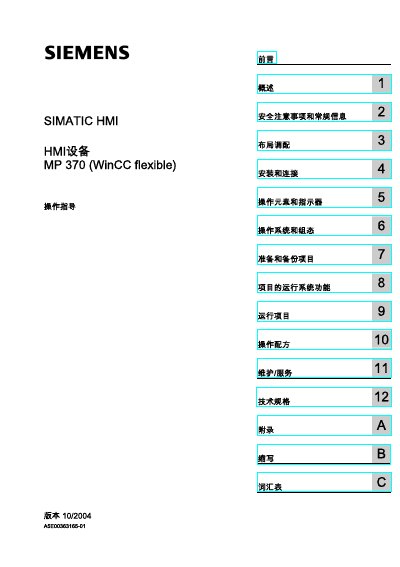
Siemens MP 370 HMI Operation Guide
The manual is intended for users, commissioning engineers, service and maintenance technicians who work with the SIMATIC MP 370 Human‑Machine Interface. It explains the required safety precautions, hardware setup, software configuration and routine servicing.
Key sections cover layout planning, installation and wiring, description of the touch panel elements, use of the WinCC flexible runtime, project transfer, backup, and technical specifications. The document also includes an appendix with abbreviations and a glossary. This manual is written in Chinese.
Siemens MP 370 specifications
| Display resolution | 640 × 480 pixels |
|---|---|
| CPU | RISC CPU |
| Flash storage | 5 Mbyte |
| Dimensions (MP 270B) | 212 mm × 156 mm |
Source: Siemens SIMATIC HMI Multi Panels MP 270B, MP 370, OP 77B, TP 170micro User Manual
All Siemens MP 370 documents by type
Day-to-day operation, settings and troubleshooting. Start here if the product is already set up.
Questions answered in these manuals
Who is authorized to install and debug the MP 370?
Only qualified personnel who are authorized and trained to perform installation, grounding, and marking of the equipment may debug and operate the device.
What safety symbols are used in the manual?
A warning triangle indicates personal‑safety warnings, while other symbols without the triangle indicate property‑damage warnings.
How is the MP 370 connected to a PLC?
The manual includes a section “4.3.5 连接PLC” that describes the PLC connection interface and wiring steps.
What safety symbols are used in the manual?
The manual uses symbols such as 危险 (danger), 警告 (warning), and 小心 (caution) to indicate the level of risk.
Who is allowed to install and operate the MP 370?
Only qualified personnel who are authorized and trained may debug and operate the equipment.