
RWD68 is an independent electronic universal controller with primary control functions and auxiliary control functions for the comfort control of HVAC systems and refrigeration systems. The controller can be installed separately in the control panel or in a ARG62.21/ARG62.22 box on pipes, walls and in machine rooms.
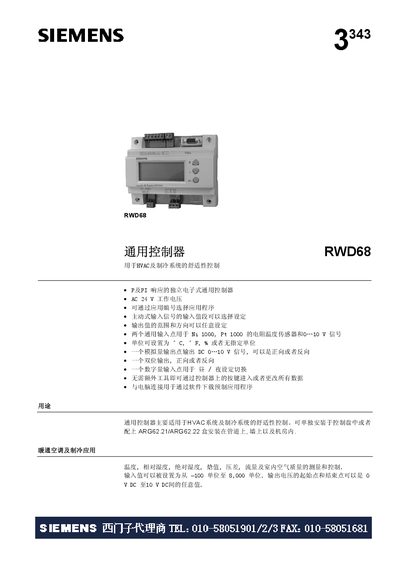
The Siemens RWD68 is a standalone electronic controller for HVAC and refrigeration comfort control. It supports P and PI response, AC 24 V supply, and configurable input and output ranges. The controller can be programmed via front‑panel keys or Windows‑based software.
The manual covers functional overview, wiring diagrams, installation options (DIN rail, wall‑mounted, protective enclosures), technical data, and safety/installation notes. It also describes auxiliary functions such as PI limiter, remote setpoint, cascade control, and day/night switching. This manual is written in Chinese.
| Measurement range | -50 °C … +150 °C |
|---|---|
| IP rating | IP20 (protective enclosure) |
| Weight | 0.2875 kg |
Day/night mode is switched by connecting a switch between the D1 and NM terminals; opening the switch selects day mode, closing selects night mode.
The controller accepts Ni 1000 and Pt 1000 resistance temperature sensors.
Yes, all data can be entered or changed using the controller’s front‑panel keys without extra tools.