
Key facts
- Brand
- Siemens
- Model
- ET 200M
- Category
- Industrial Supply
- Industry
- Industrial
- Documents
- 8
- Languages
- ZH · ES · JA · EN
- Last added
- 2026-10-17
Start here
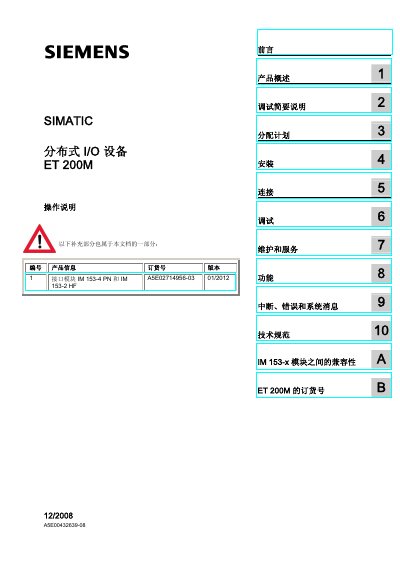
Siemens ET 200M Distributed I/O Operation Manual
This operation manual covers the SIMATIC ET 200M distributed I/O device, specifically focusing on the operation of the IM 153 interface module as a DP slave in conjunction with S7-300 series modules. It serves as a guide for qualified professionals to install, configure, and maintain the system. This manual is written in Chinese.
Read onlineSiemens ET 200M specifications
| Number of ET 200 stations per bus line (example) | 150 |
|---|---|
| Supported fieldbus protocols | PROFIBUS, PROFINET, AS‑Interface, IWLAN |
| Cable system for power and data | ECOFAST system |
All Siemens ET 200M documents by type
Day-to-day operation, settings and troubleshooting. Start here if the product is already set up.
Disassembly, diagnostics and part numbers, for repair.
Mounting, wiring and first power-up. Read it before the hardware goes in.
Questions answered in these manuals
What safety symbols are used in the manual?
Personal safety information is highlighted with a warning triangle, while material‑damage information is shown without the triangle.
Which interface modules are compatible with the ET 200M?
The manual lists compatibility among the IM 153‑x series, including IM 153‑1, IM 153‑2, IM 153‑4 PN and their variants.
What communication protocols does the SIMATIC ET 200 support?
It supports PROFIBUS, PROFINET, AS‑Interface and IWLAN wireless communication.
Can the ET 200 be installed without a control cabinet?
Yes, the ET 200 can be mounted directly in the plant without a control cabinet, using the ECOFAST cabling system.